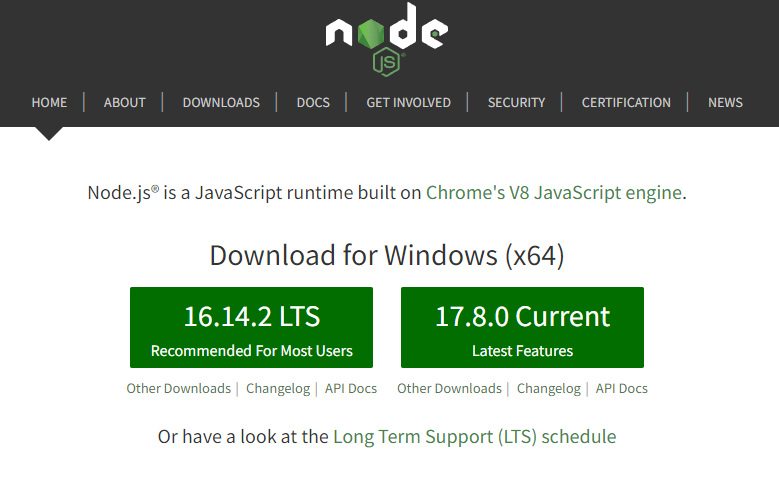
1. Node.js 설치 ( https://nodejs.org/en/ )
개인적으론 특별히 사용할 기능이 없는 이상 항상 Recommended / LTS 설치함
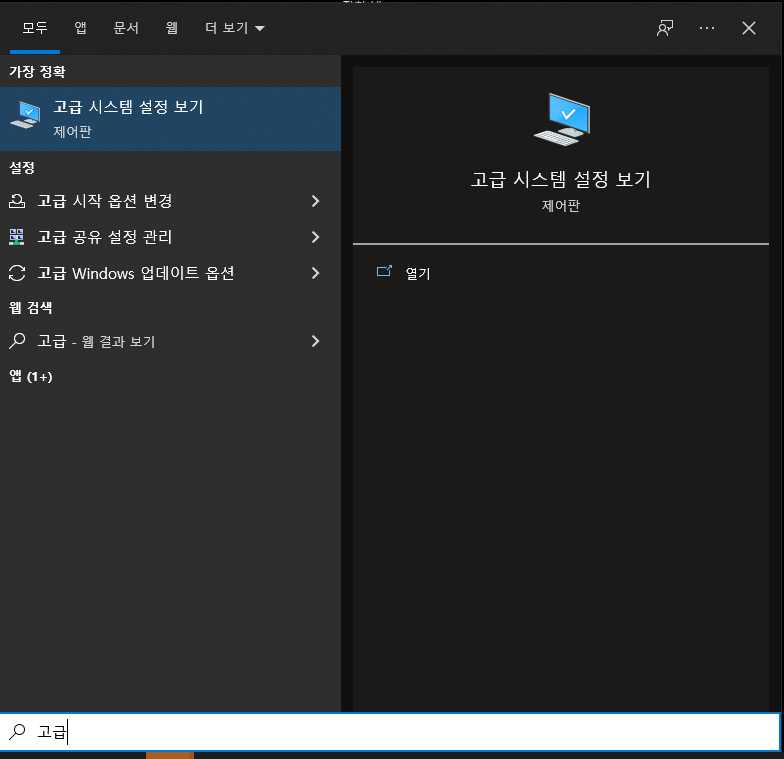
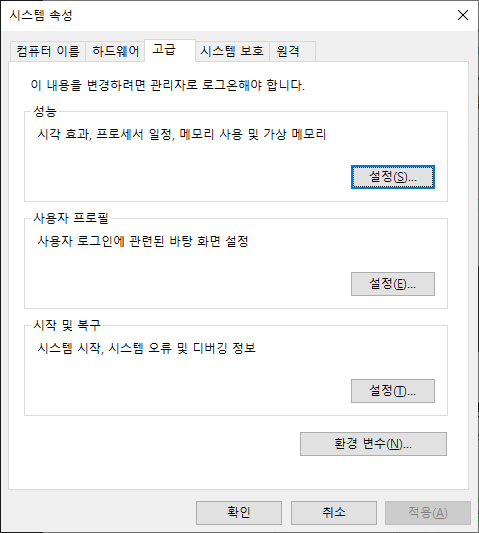
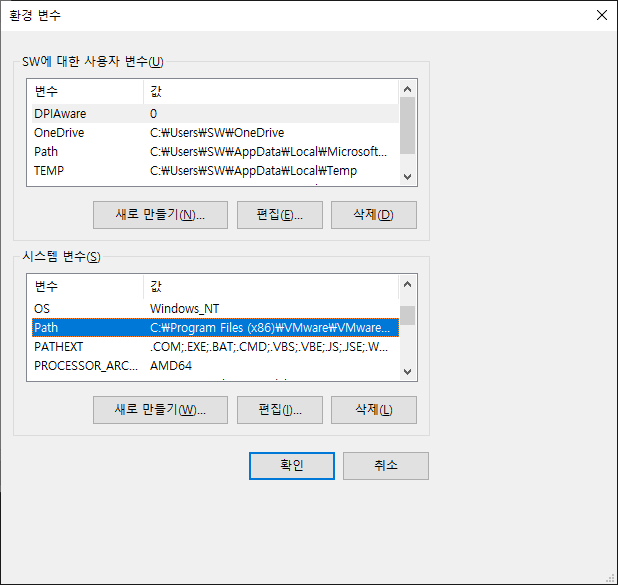
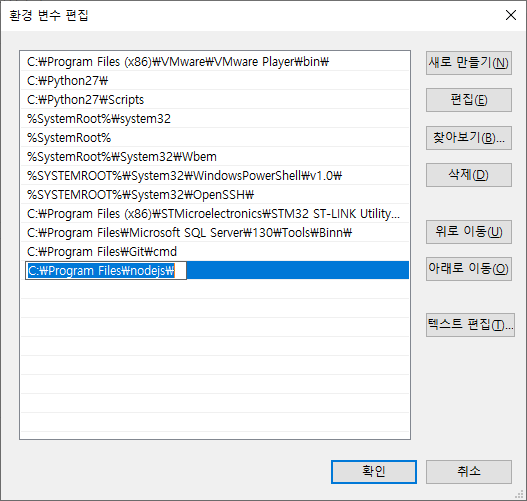
2. Node.js 환경변수 등록 ( 자동 등록 안되어 있을 경우 )
[ 고급 시스템 설정 보기 ] - [ 환경 변수 ] - [ 시스템 변수 ]
환경 변수 추가 ( C:\Program Files\nodejs\ )
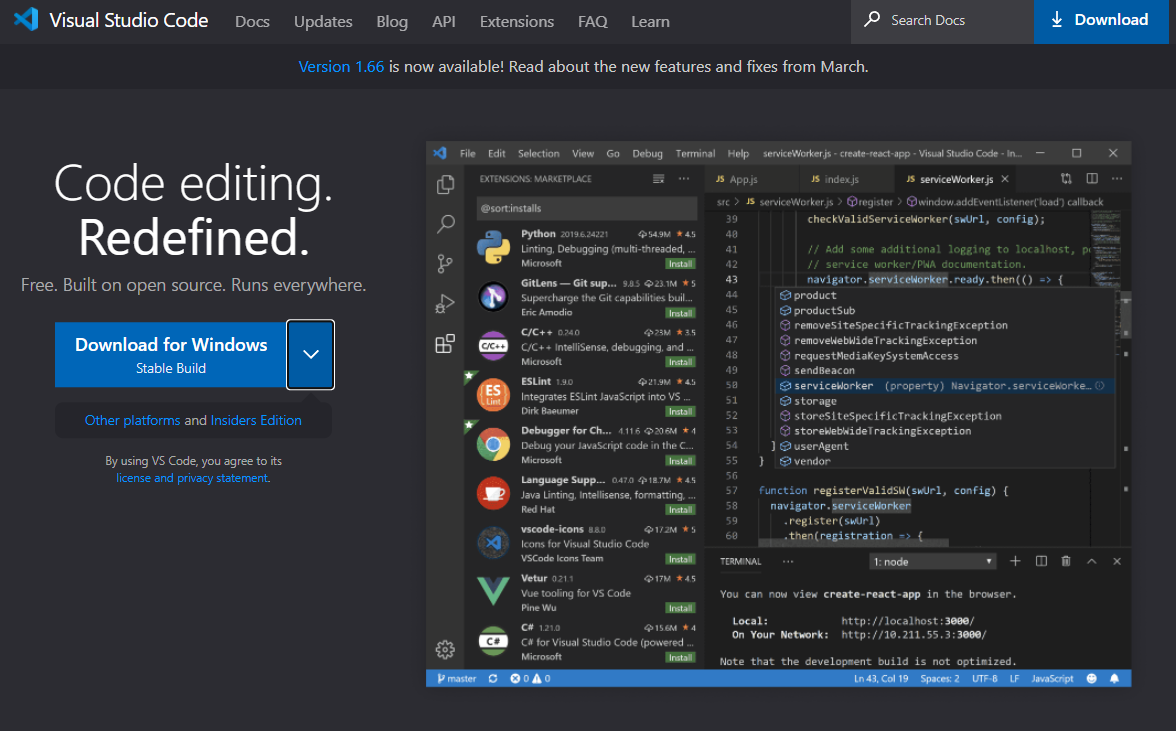
3. VSCode 설치 ( https://code.visualstudio.com/ )
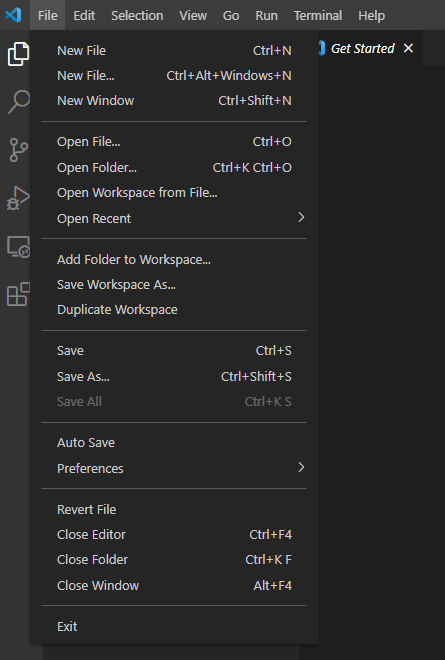
3-1. 프로젝트 생성 ( 특정 경로에 폴더 생성 후 VSCode 에서 [ Open Folder ] )
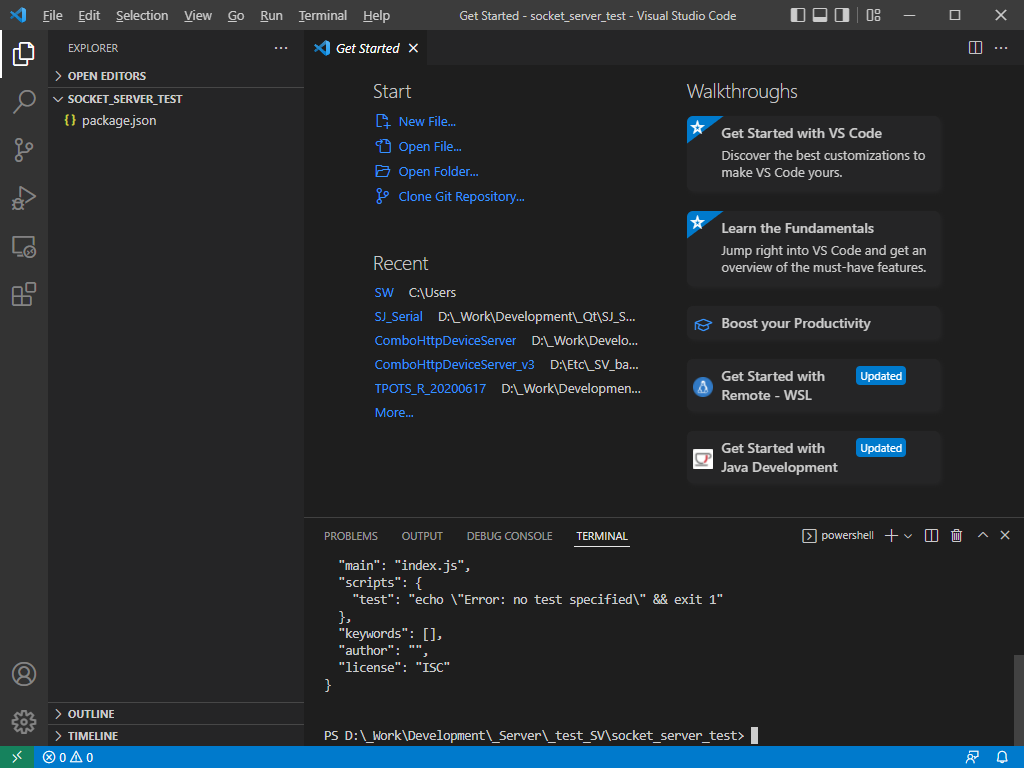
3-2. 프로젝트 생성 ( 터미널 실행 후 package 생성 )

터미널에 [ npm init -y ] 입력

package.json 생성 확인 ( npm 사용 및 배포의 용이성을 위해 - 추후 포스팅 예정 )
index.js 파일 생성 및 예제 작성 ( TCP 서버 )
const net = require('net');
const ipaddr = "localhost";
const port = 11116;

let server = net.createServer(function (socket) {
	console.log(socket.address().address + " connected.");
	socket.setEncoding('utf8');
	socket.on('data', function (data) {
		console.log(data);
	});

	socket.on('close', function () {
		console.log('client disconnted.');
	});

	setTimeout(() => {
		socket.write('send from server');
	}, 500);
	setTimeout(() => {
		socket.destroy();
	}, 3000);
});

server.on('error', function (err) {
	console.log('err: ', err.code);
});

server.listen(port, ipaddr, function () {
	console.log('server.listen');
});
위와 같이 신규 VSCode 실행 및 프로젝트 작성으로 Client 작성
tcp_client.js 파일 생성 및 예제 작성 ( TCP client )
const net = require("net");

const client = net.connect({ port: 11116, host: "localhost" });

client.write( "It's Client");

client.on("data", (data) => {
  console.log('recv : ', data.toString());
});

client.on("close", () => {
  console.log("ended");
});
6. 프로젝트 실행
[ node 파일명 ]
서버 실행
PS D:\_Work\Development\_Server\_test_SV\socket_server_test> node index.js클라이언트 실행
PS D:\_Work\Development\_Server\_test_client> node tcp_client.js
7. 결과
[ 서버 실행 후 클라이언트 실행 ]
1. 클라이언트가 실행하면서 ( It's Client ) 라고 전송
2. 서버가 데이터 수신후 ( send from server ) 전송
서버

클라이언트

'Server > 개발' 카테고리의 다른 글
| [Node.js] HEX array parsing (0) | 2022.04.14 |
|---|---|
| [Node.js] UTF8 / Hex 값 송수신 (0) | 2022.04.14 |
| [Node.js] 문자열 만들기 ( split() ) , 배열 수 , 배열 길이 구하기 (0) | 2022.04.11 |
| [Node.js] 시간 설정 ( timezone ) 관련 (0) | 2022.04.11 |
| [Node.js] TCP Socket Server 외부 접속 (0) | 2022.04.07 |